
One connected workspace
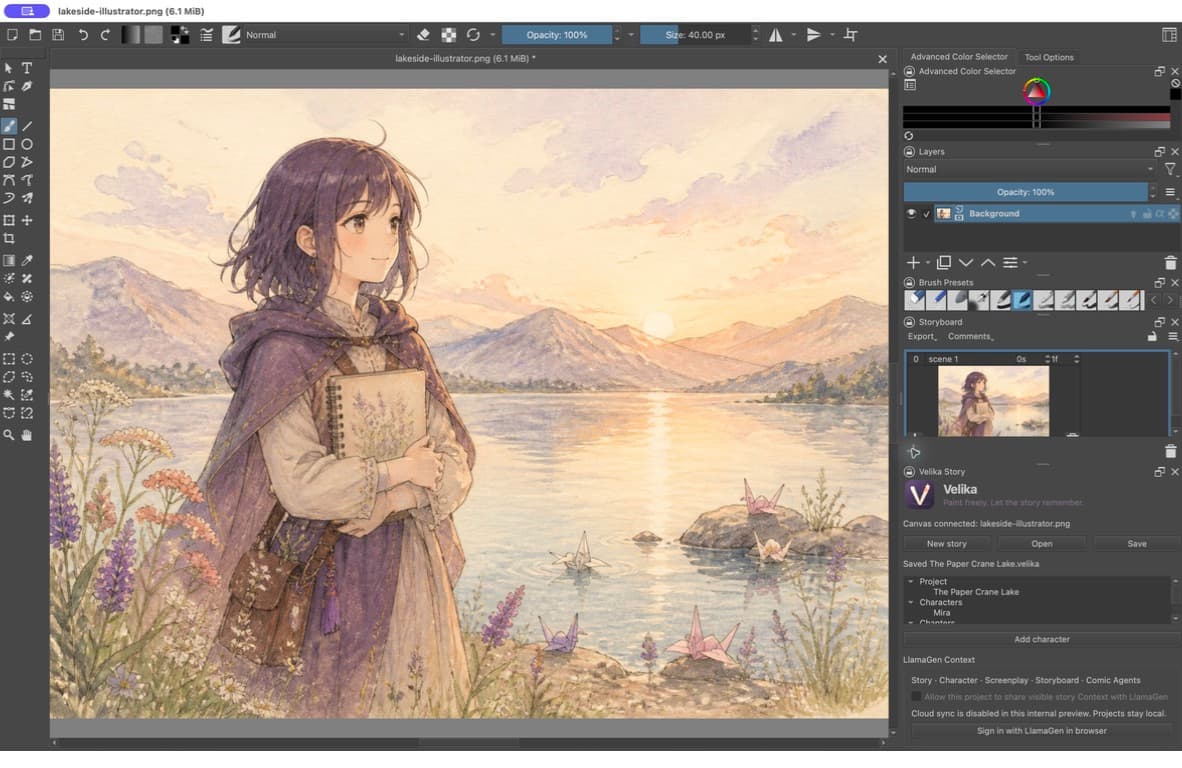
Keep sketches, pages, model sheets, storyboards, and references inside the same visual project.
Free digital painting application for macOS
Velika is a full-featured digital painting application for complete visual projects. It starts on macOS, with a cross-device roadmap that keeps your creative workflow familiar while designing the interface natively for each screen—not shrinking a desktop UI onto a phone.
Professional brushes included · No account required · Local project files
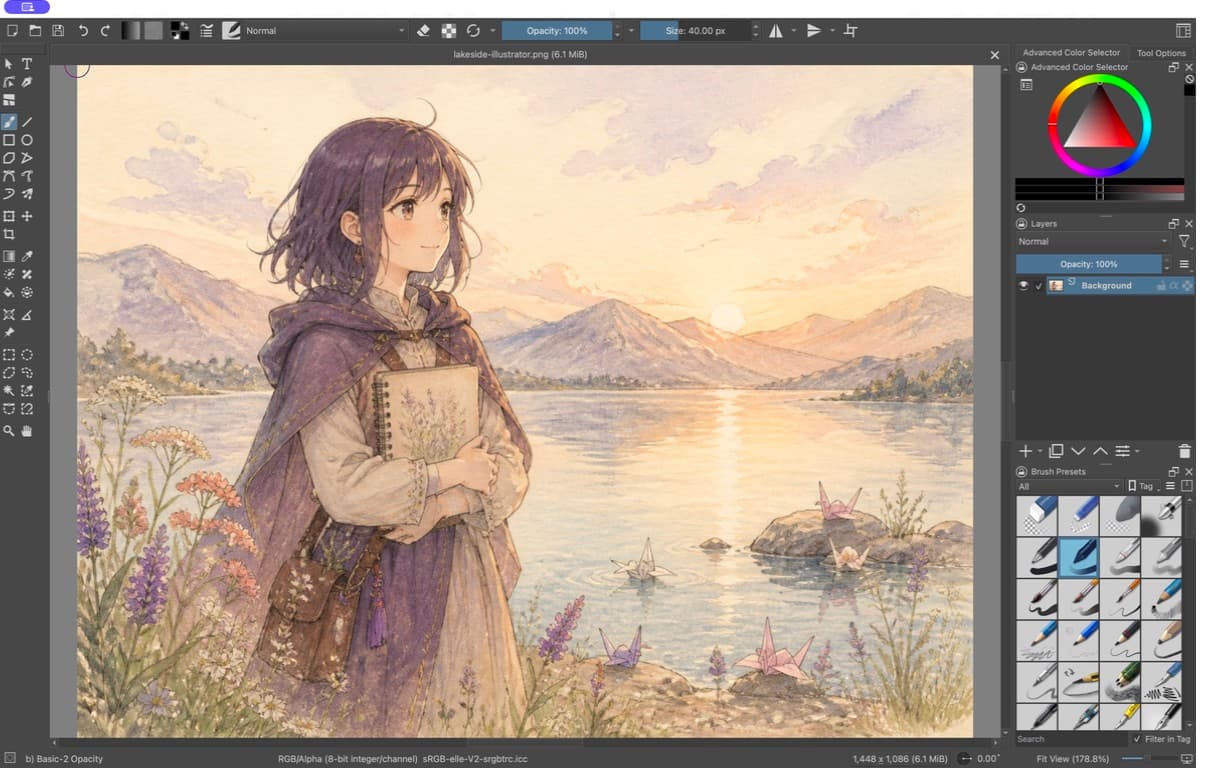
A better production workflow
Most drawing tools are organized around one canvas at a time. Velika is designed for the whole visual project—from the first sketch and model sheet to pages, storyboards, revisions, and final delivery.
Keep sketches, pages, model sheets, storyboards, and references inside the same visual project.
Pin the visual rules that matter—costumes, proportions, palettes, locations, and scene notes.
Preserve layers, masks, selections, and revisions instead of accepting a flattened result.
Customize shortcuts, presets, panels, and pen behavior around the way you actually draw.
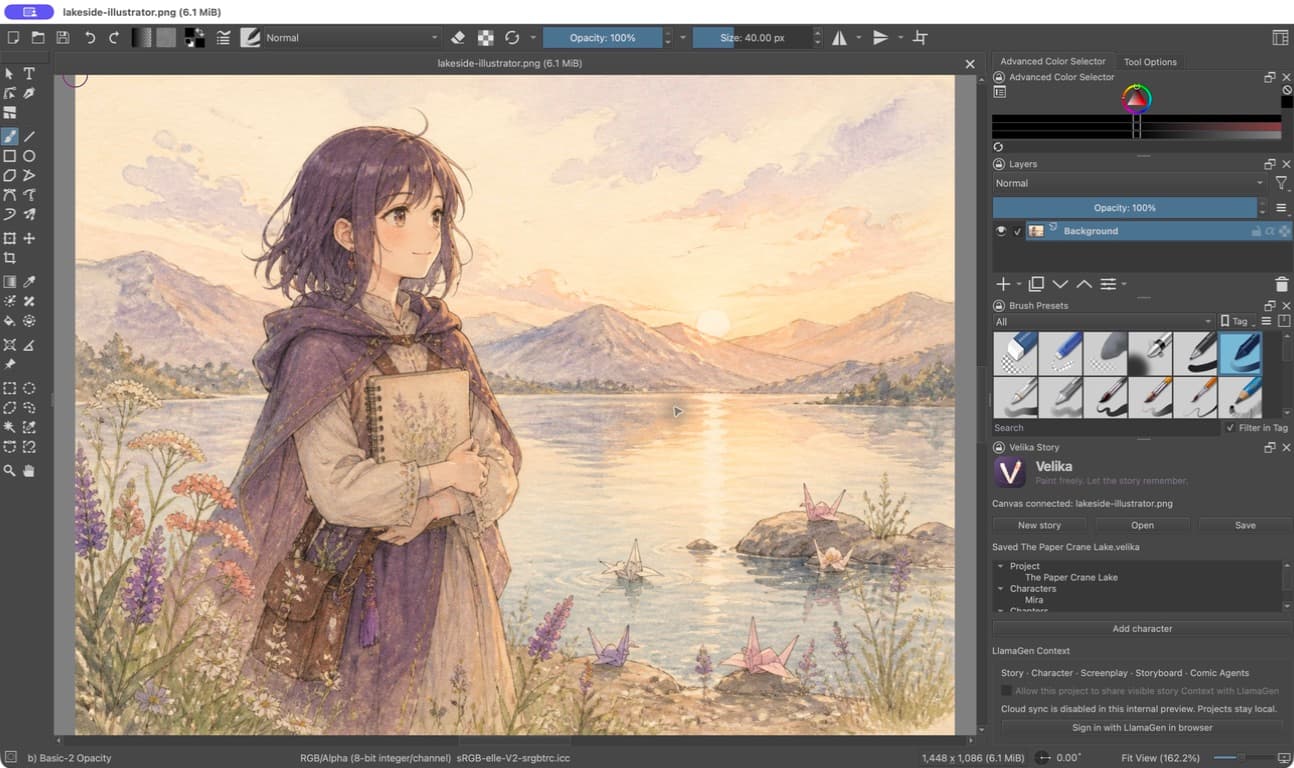
Project Memory
Characters, scene notes, world rules, and visual decisions remain attached to the project, so the next page starts with the same understanding as the last one.
The all-in-one comic studio
Velika is being built for the whole comic project: the brush you start with, the pose you reference, the background you construct, the page you letter, and the story you keep consistent.
These visuals show product direction. The current community preview focuses on free, local painting.
Product concept · in the roadmap
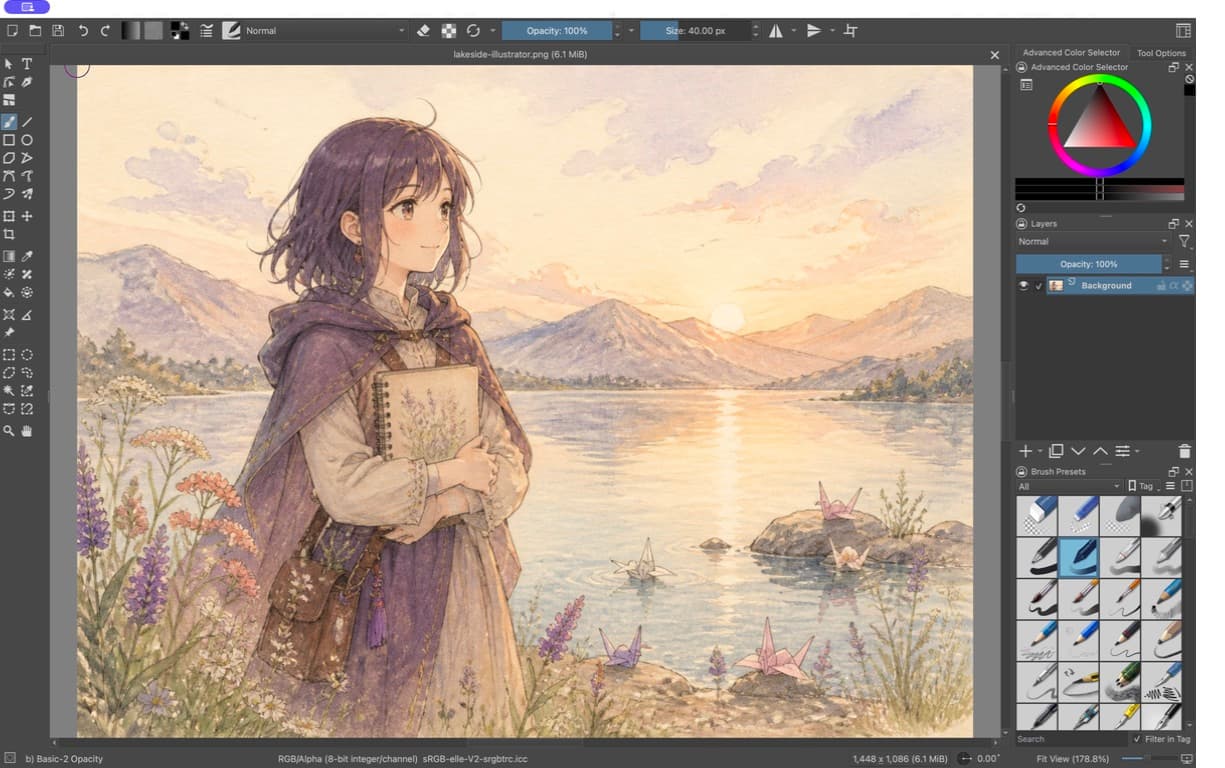
Pencils, inks, tones, watercolor, gouache, texture, and finishing tools should be ready when the canvas opens.
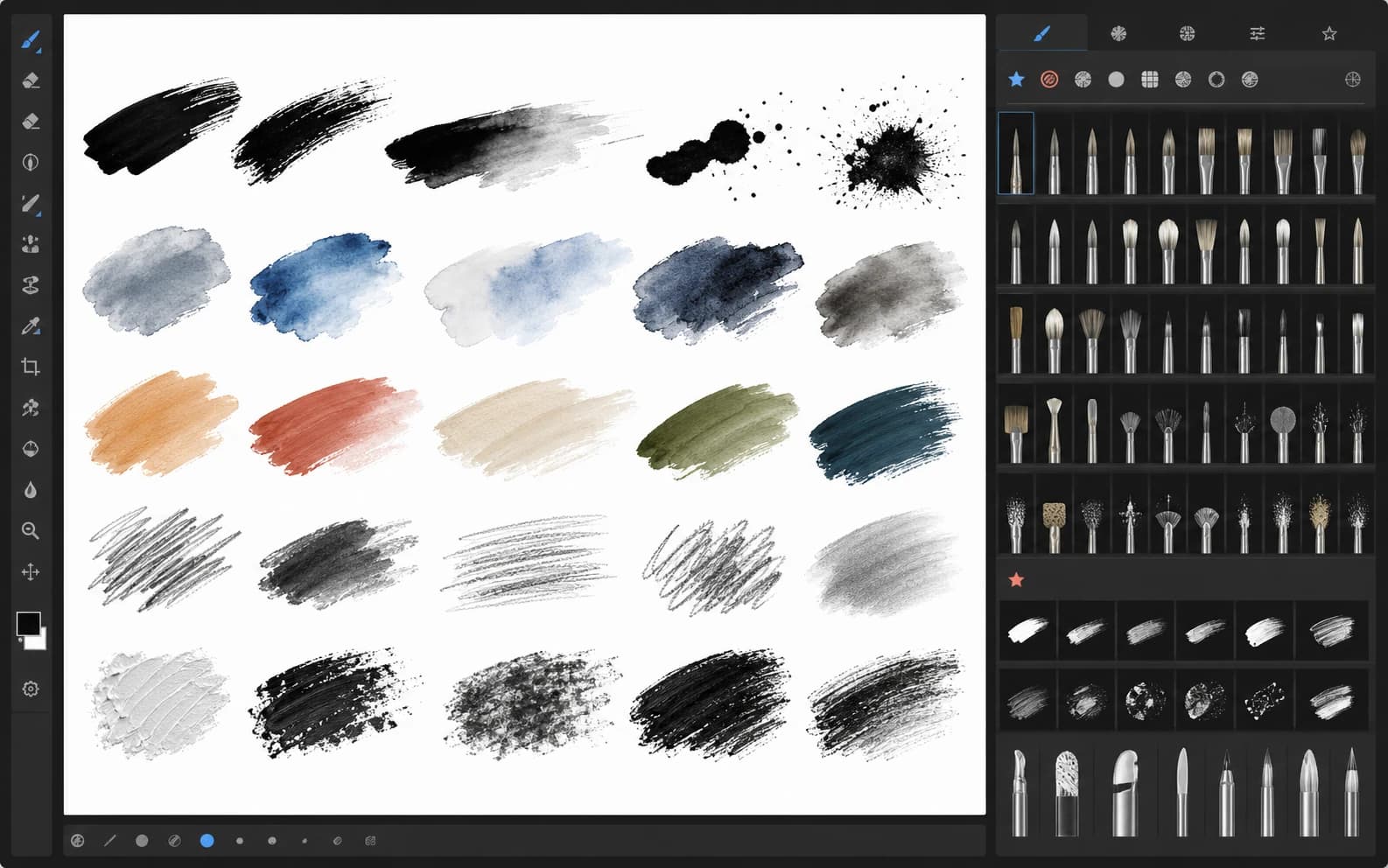
Product concept · in the roadmap
Start from useful figures, hands, paired actions, and camera angles, then adjust the reference without leaving the drawing workspace.
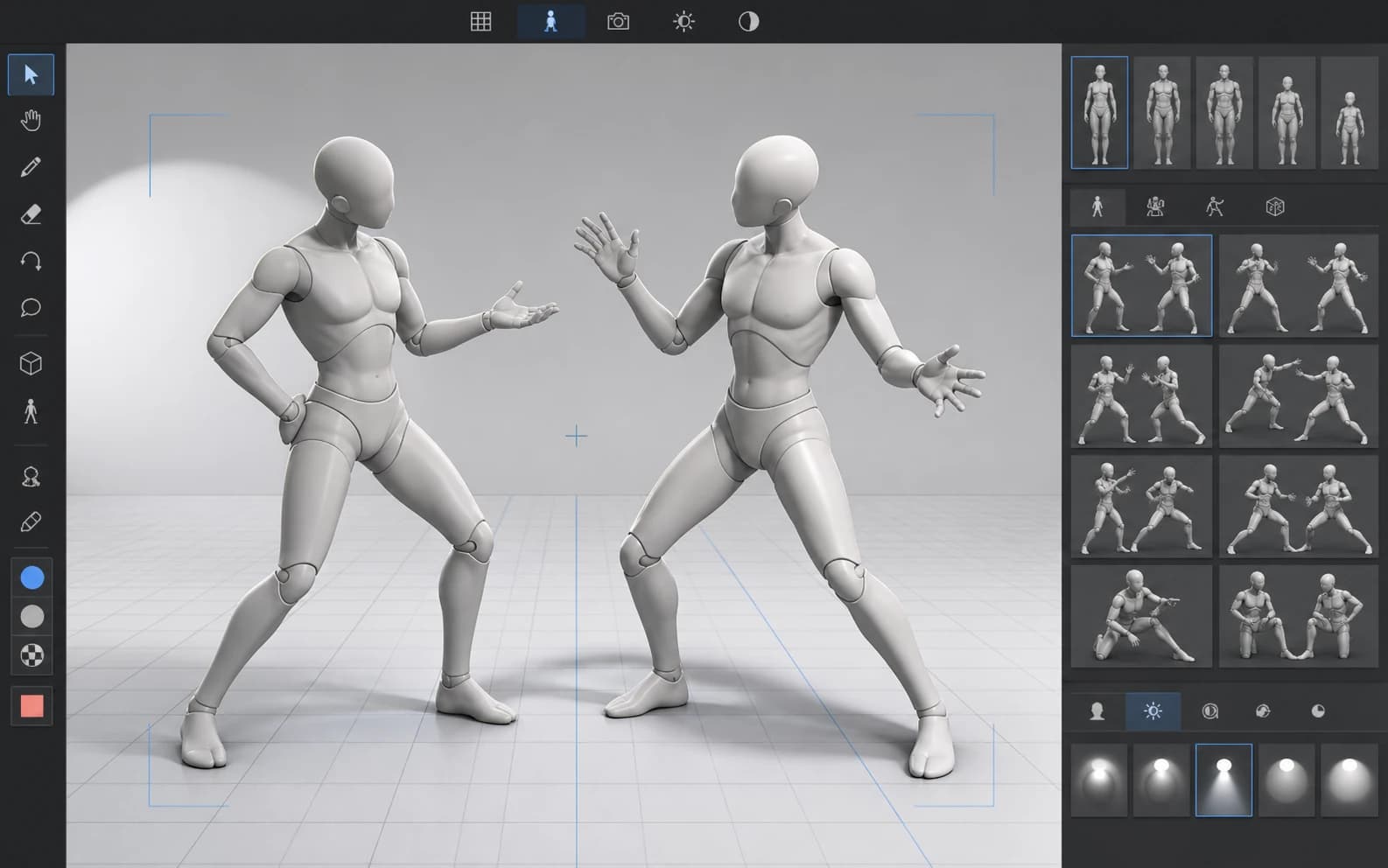
Product concept · in the roadmap
Build scenes from a licensed library of interiors, streets, rooms, props, tones, and perspective setups—then keep drawing over every part.
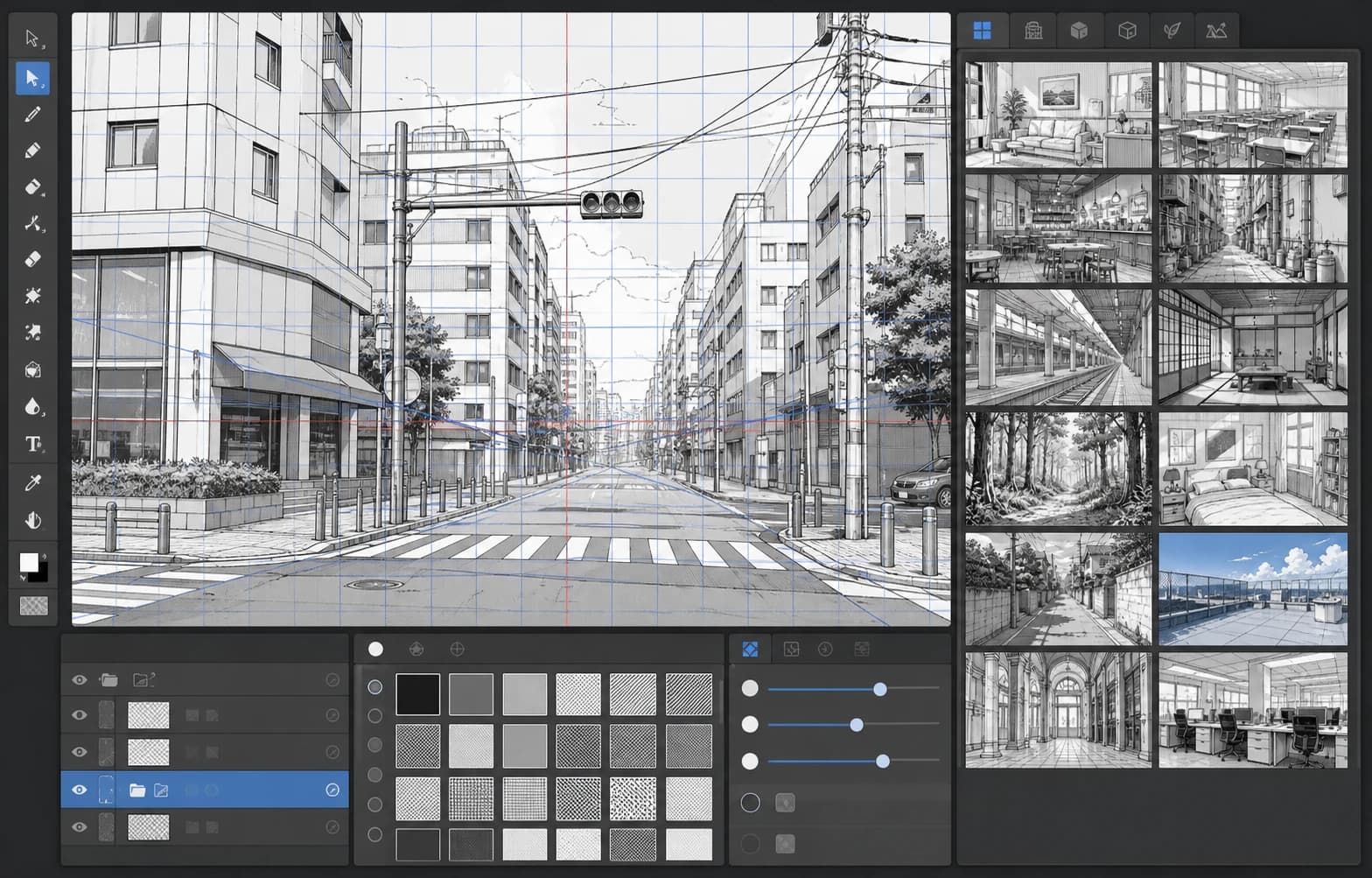
Create end to end
A professional art tool for the three forms that visual storytellers move between every day.
Sketch, ink, paint, composite, and finish with a deep brush and layer system.
Plan pages, keep model sheets close, and move through sequential work without losing the drawing flow.
Move from painted key poses to frame-by-frame animation without changing creative tools.
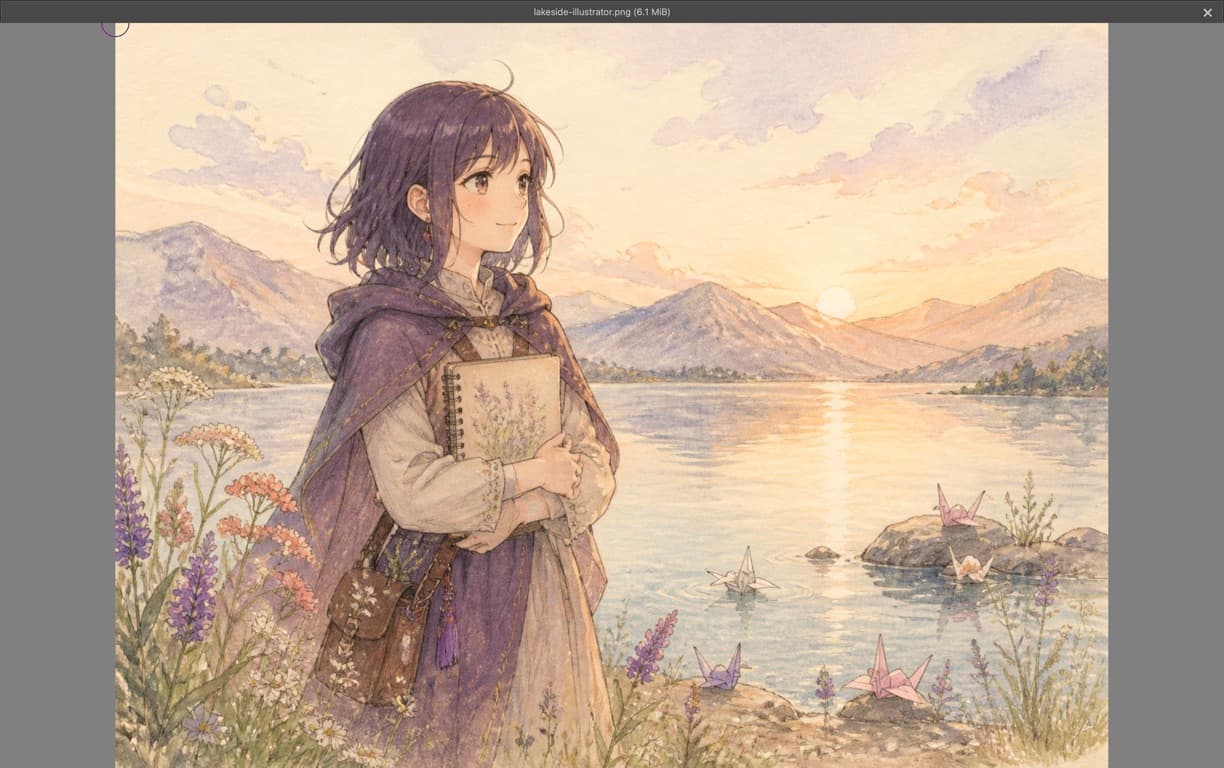
A serious painting engine
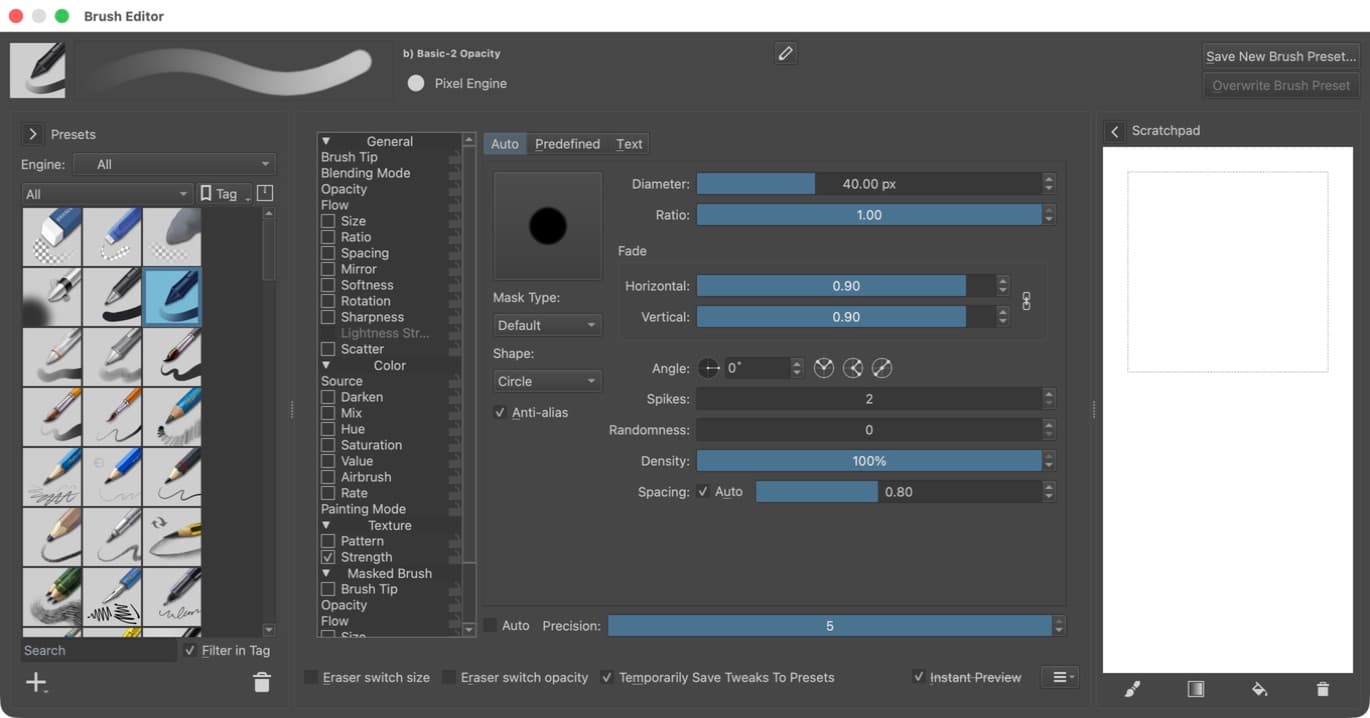
Natural brush response, precise pen input, freehand inking stabilizers, layers, masks, color management, and familiar PSD workflows stay at the center of Velika.
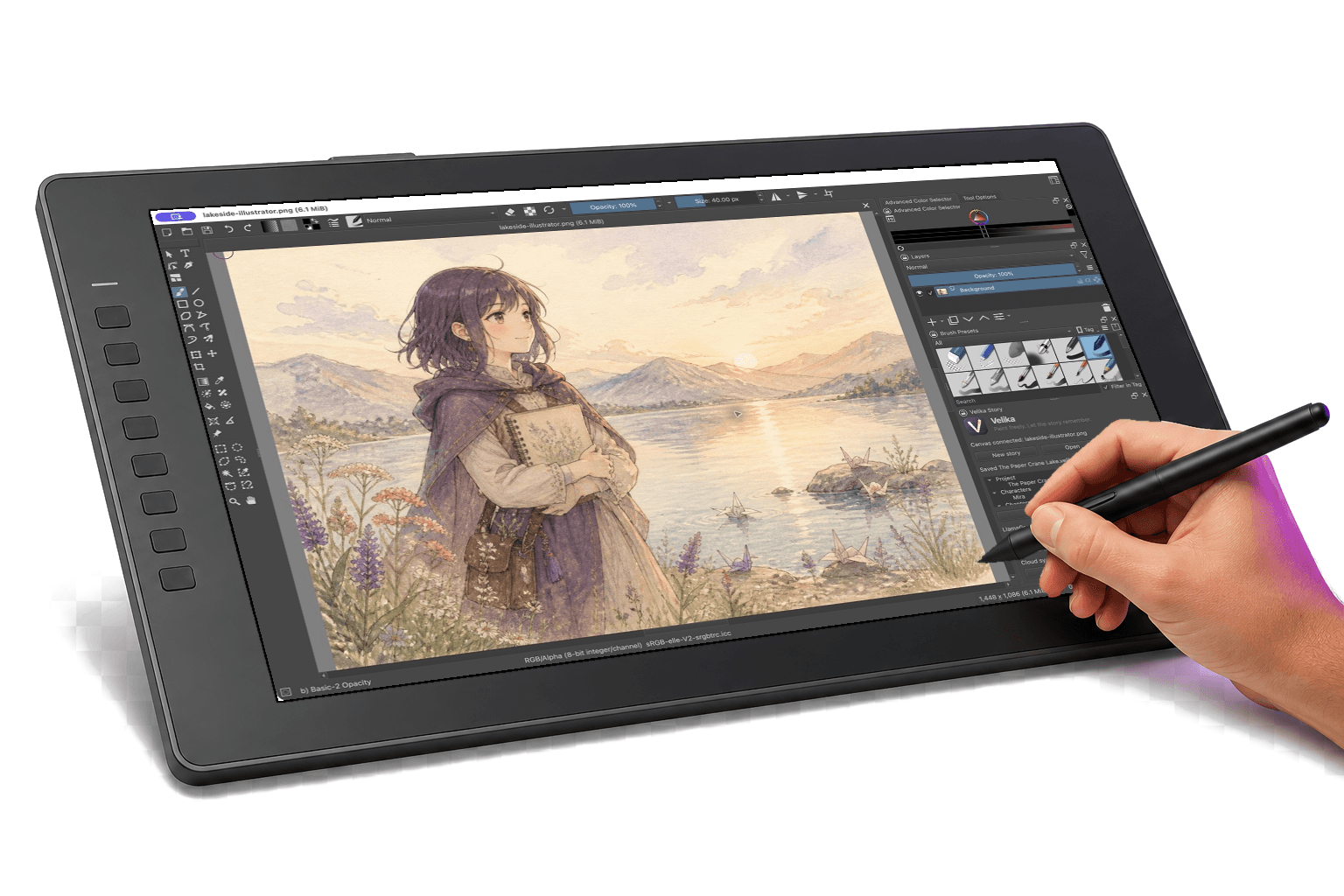
One workflow · Native to every screen
Velika starts with a precise macOS and pen-display experience. Its cross-device roadmap carries the same projects, brushes, and creative logic across desktop, tablet, and phone while adapting navigation, panels, dialogs, and touch targets to each device. A phone build ships only when the canvas remains spacious and every action stays reachable.
macOS preview now · Windows and Linux planned · touch-first tablet and phone experiences planned
Free by default
Open Velika and paint. The core drawing workflow is free, local, and ready whenever inspiration arrives.
Create, save, and reopen local projects without signing in.
Start with a broad professional toolkit, then tune and organize it around your own hand.
Keep artwork layered and revision-ready throughout the production process.
Bring pages, references, characters, and scene notes into one coherent project.
Guides
These notes explain what Velika ships today, what remains roadmap work, and when Clip Studio Paint, Krita, or Photoshop is the better current choice.
Clip Studio Paint alternative
A factual look at Velika as a Clip Studio Paint alternative—what CSP already does well, what the Velika macOS preview ships today, and what remains roadmap work.
Read guidefree drawing software Mac
Velika is a free macOS drawing app for comics, illustration, and animation. No account is required for core painting. Windows and Linux builds are still planned.
Read guidedrawing app without account
Velika lets you draw on macOS without creating an account. Local projects stay on the device. Compare this no-login painting loop with subscription and marketplace tools.
Read guideQuestions
Yes. The core desktop drawing workflow is free and does not require an account. Optional connected services may have separate limits or plans later.
Yes. Local drawing, layers, brushes, and project saving form the default offline loop. Nothing is uploaded merely because you opened a canvas.
Many drawing apps focus on one image at a time. Velika is designed around complete visual projects, keeping pages, character references, storyboards, scene notes, and editable artwork connected.
The current community preview focuses on macOS, with Windows and Linux on the desktop roadmap. Velika is not available for phones yet: a phone release must use touch-first adaptive layouts, keep every dialog and action reachable across screen sizes and orientations, and preserve useful canvas space instead of squeezing the desktop UI onto a small screen.
Yes. Velika is designed around editable layers and project files, with common layered interchange formats forming part of the compatibility strategy.
Community preview
Join the early Velika community and help shape a professional drawing app made for complete visual projects.